Android Multi Tool Server Credits
SKU AMT-CR · Server Credits
Price per credit
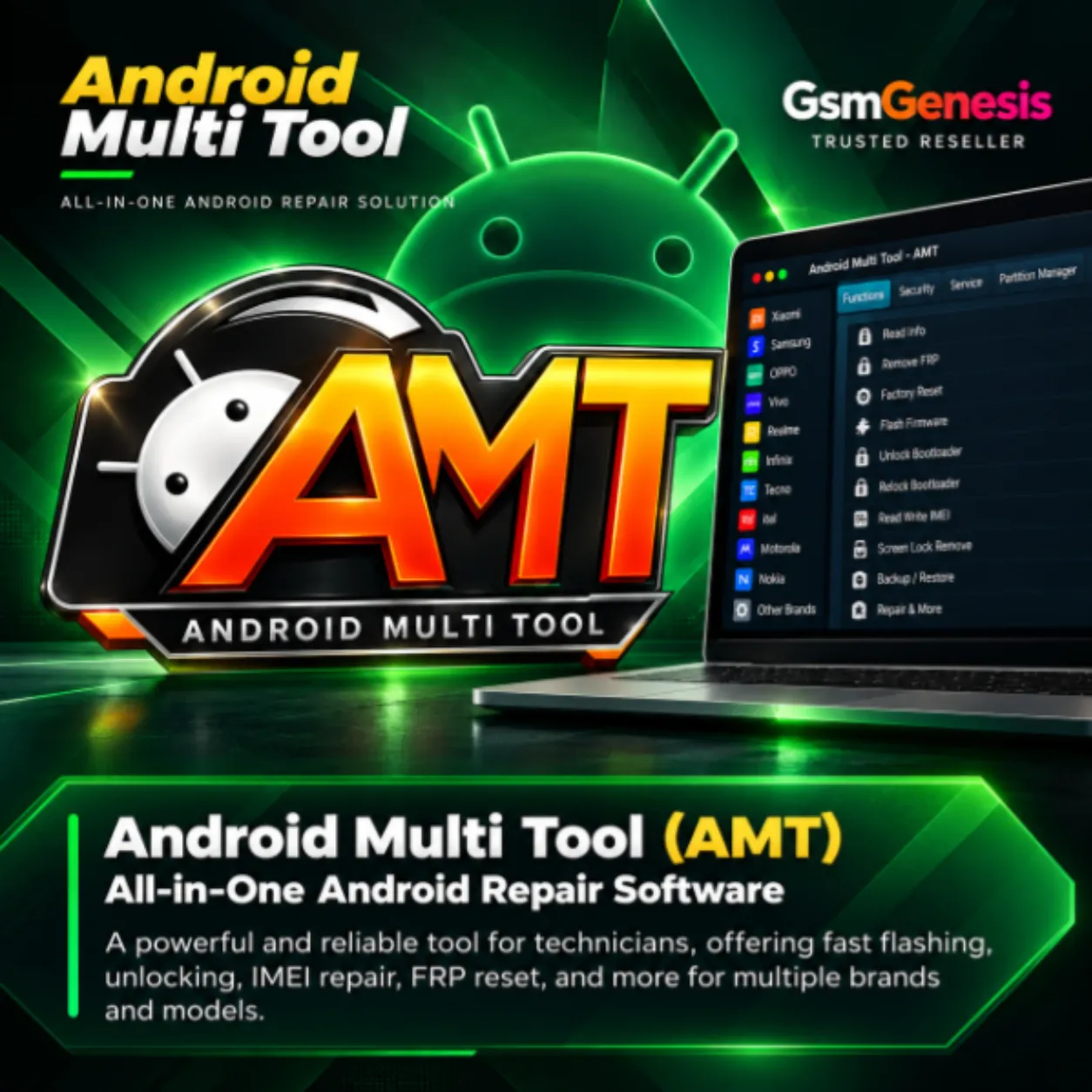
Android Multi Tool (AMT) - Server Credits Prepaid credits used to access remote Android services like FRP unlock, pattern removal, and IMEI repair via AMT.
- Any quantity
- Credits stay on your login
- Instant after payment
Description
🔐 Android Multi Tool (AMT) - Server Credits
Android Multi Tool (AMT) - Server Credits adds Server Credits to your Android Multi Tool (AMT) account. These credits are used to perform credit-based server operations in AMT.
Android Multi Tool (AMT) supports FRP removal, factory reset, screen lock removal and flashing across a wide range of MTK and Qualcomm devices from popular brands.
🚀 Key Features
- ✔ No Box or Dongle required
- ✔ Official Android Multi Tool (AMT) digital activation
- ✔ FRP (Factory Reset Protection) removal
- ✔ Screen Lock / Pattern / PIN removal
- ✔ Factory reset & format operations
- ✔ Firmware flash / read / write
- ✔ MTK & Qualcomm advanced support
- ✔ Read device information
- ✔ User-friendly one-click operations
- ✔ Regular updates with new model support
📱 Supported Devices
- ✔ Samsung, Xiaomi, OPPO, Vivo & Realme
- ✔ Infinix, Tecno, itel & other MTK brands
- ✔ Qualcomm & MTK based Android devices
- ✔ Wide brand support with continuous updates
📋 License & Credits
Product Type: Server Credits (Top-up)
Used For: Credit-based server operations
Platform: Android Multi Tool (AMT)
Delivery: Credits added to your AMT account
Requirement: Your AMT User ID
🛠️ How to Add Server Credits
- Download and install the latest Android Multi Tool (AMT).
- Open AMT and note your User ID shown in the tool.
- Purchase the required amount of AMT Server Credits.
- Provide your AMT User ID as requested while placing the order.
- Your credits are added to your AMT account — restart AMT to see the updated balance.
⚠️ Important Note
Please provide the correct AMT User ID (shown inside the tool) while ordering to avoid activation delays or incorrect activation.
Ideal for technicians and repair shops who want a fast, easy Android Multi Tool (AMT) activation with simple digital delivery.
License rules
- A new activation creates a fresh login; a renewal extends the username you already have.
- Credits are loaded onto your existing server login and stay there — they are never emailed as codes.
- A service job (for example an iOS case) needs the case id you enter above; results are sent by email.
- Access packs are one seat unless the product name says two users.
- There are no returns once the license or code has been shown or applied to your account.
Related products
More in Server Credits